- New & Updated Professions
- Claim your page
- Manage your page controls
- Manage your images
- Manage your videos
- Manage your filmography
- Manage your professions
- How do I remove my age / birthyear?
- Manage your personal details
- Manage your performer profile & credentials
- Setting your vanity URL & other external websites
- Manage your Client List with Shared Editing
- Where and how will my Featured Images be displayed?
- Who is using my name on IMDb?
- Verified affiliations on IMDbPro
- IMDb Community Guidelines
Verified affiliations on IMDbPro
What is verified affiliations on IMDbPro?
IMDbPro empowers entertainment professionals to showcase themselves, their careers, and their affiliations and be discovered by industry decision-makers and fans. Verified affiliations are a way for members on IMDbPro to display their professional affiliations to improve authenticity signals, allowing you to make more informed decisions around connecting with other professionals. Verified affiliations are only displayed when IMDbPro has been able to verify a member's status with their union, guild, or affiliation.
Click on each of the verified affiliations below to learn more.




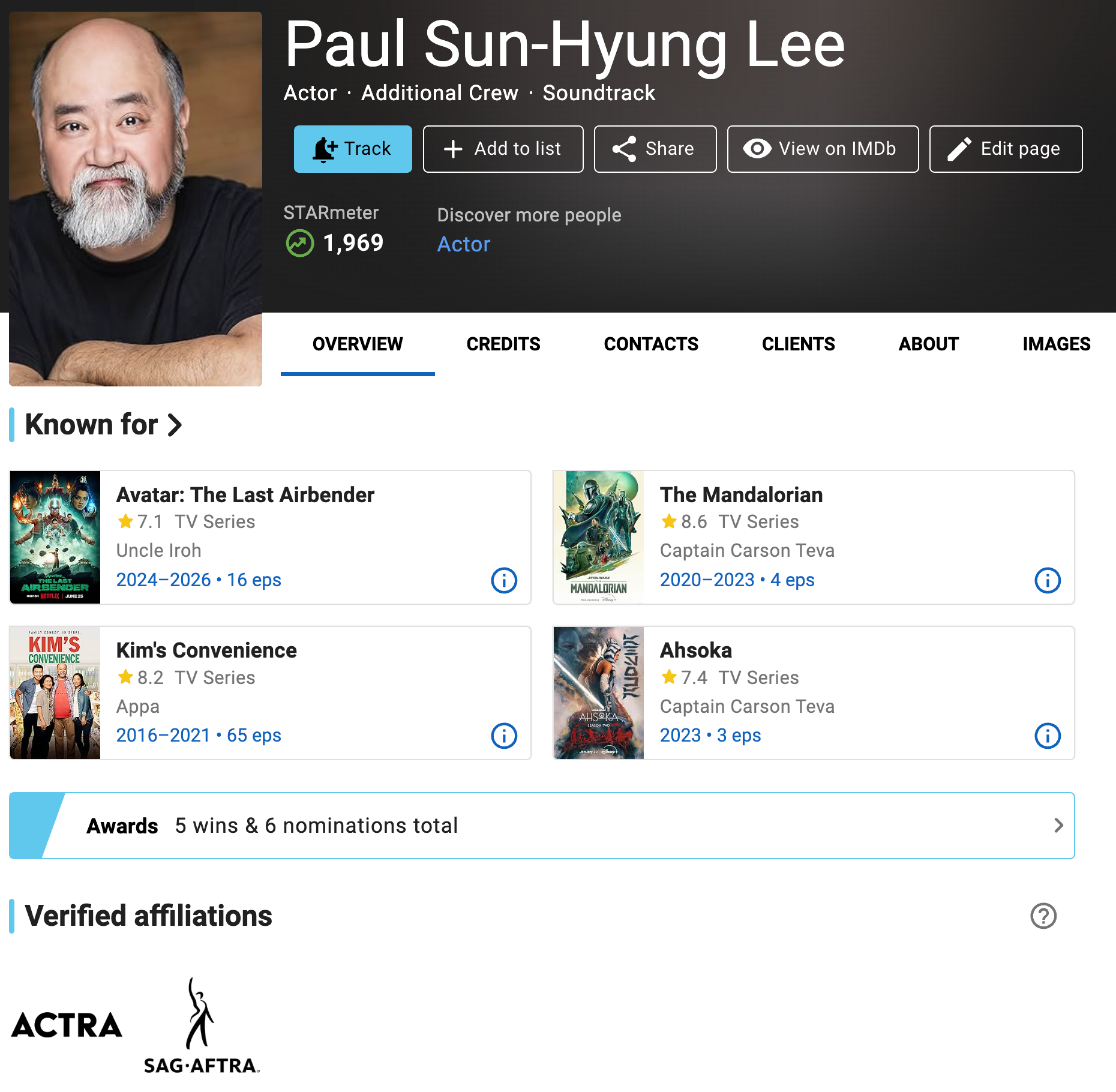
Verified ACTRA (Alliance of Canadian Cinema, Television and Radio Artists) member badge
Verified ACTRA (Alliance of Canadian Cinema, Television and Radio Artists) member badge
ACTRA members can verify their membership details directly on IMDbPro. ACTRA members can locate instructions and more information by logging into ACTRA's member website: https://www.actra.ca/log-in/. Once logged in, navigate to the IMDbPro section on your personal landing page to find the instructions on ACTRA members’ exclusive discount and more on ACTRA/IMDbPro Verification.
If you have verified your ACTRA membership on IMDbPro, and are an active member but do not see the verified member badge on your page, contact customer service for further assistance.
Frequently asked questions |
I am an active ACTRA member. Why should I verify my status?
IMDbPro Basic and Premium subscription customers can verify their ACTRA membership on IMDbPro, so anyone searching for you or viewing your IMDbPro or IMDb name page, including fans and casting directors, will see a verified ACTRA member badge. IMDbPro Premium members can also discover you as a verified ACTRA member using IMDbPro advanced search.
As a ACTRA member, you will automatically receive your exclusive discount on IMDbPro Premium membership, without manually entering a discount code.
As an active ACTRA member, how can I verify my member status and get a badge on my page?
Verification steps:
You can verify your membership via the ACTRA member verification landing page, or directly from your name page on IMDbPro.
To verify on the ACTRA member verification page:
- Go to the ACTRA member verification page and make sure you're logged into IMDbPro
- Input your ACTRA member ID which can be found on the ACTRA membership system
- Input the full name that matches your ACTRA membership which can be found on the ACTRA membership system
- Click Continue and your verified affiliation and discount will be applied to your account
To verify from your name page:
- Click the “Edit your page” button at the top of your IMDbPro name page
- Select “Performer profile & credentials"
- Select “Professional affiliations"
- Click the "Link your ACTRA account" link in the "Verified Affiliations" section
- Input the ACTRA ID that matches your ACTRA membership which can be found on the ACTRA membership system
- Click Continue and your verified affiliation and discount will be applied to your account
You can access the Professional Affiliations edit panel directly here as well.
Upon verification, you will automatically receive your ACTRA verified badge on your claimed IMDb and IMDbPro name pages. The ACTRA discount will be automatically applied to your next payment cycle. If you have verified your ACTRA membership and are an active member but do not see the verified member badge on your page, contact customer service for further assistance.
When I enter my ACTRA membership information I get an error, how can I get help?
If you receive an error message that we are unable to verify the member details provide, please verify the member number and e-mail you entered match your ACTRA profile and try again. If you have questions about your membership details and status, please contact ACTRA at actranational@actra.ca.
How do I unlink my ACTRA ID from my IMDbPro account?
You can unlink your accounts directly from your IMDbPro name page.
- Navigate back to your name page on IMDbPro
- Go to the About tab, click "Edit" next to Performer profile, and click on Professional affiliations in the resume edit panel
- Under Verified affiliations, click "Unlink"
- You should see a message confirming that you wish to unlink
- Click "Unlink account" and you should see a confirmation of unlinking
- Go back to the Overview tab on your page, and should not see a Verified affiliations selection with a ACTRA badge
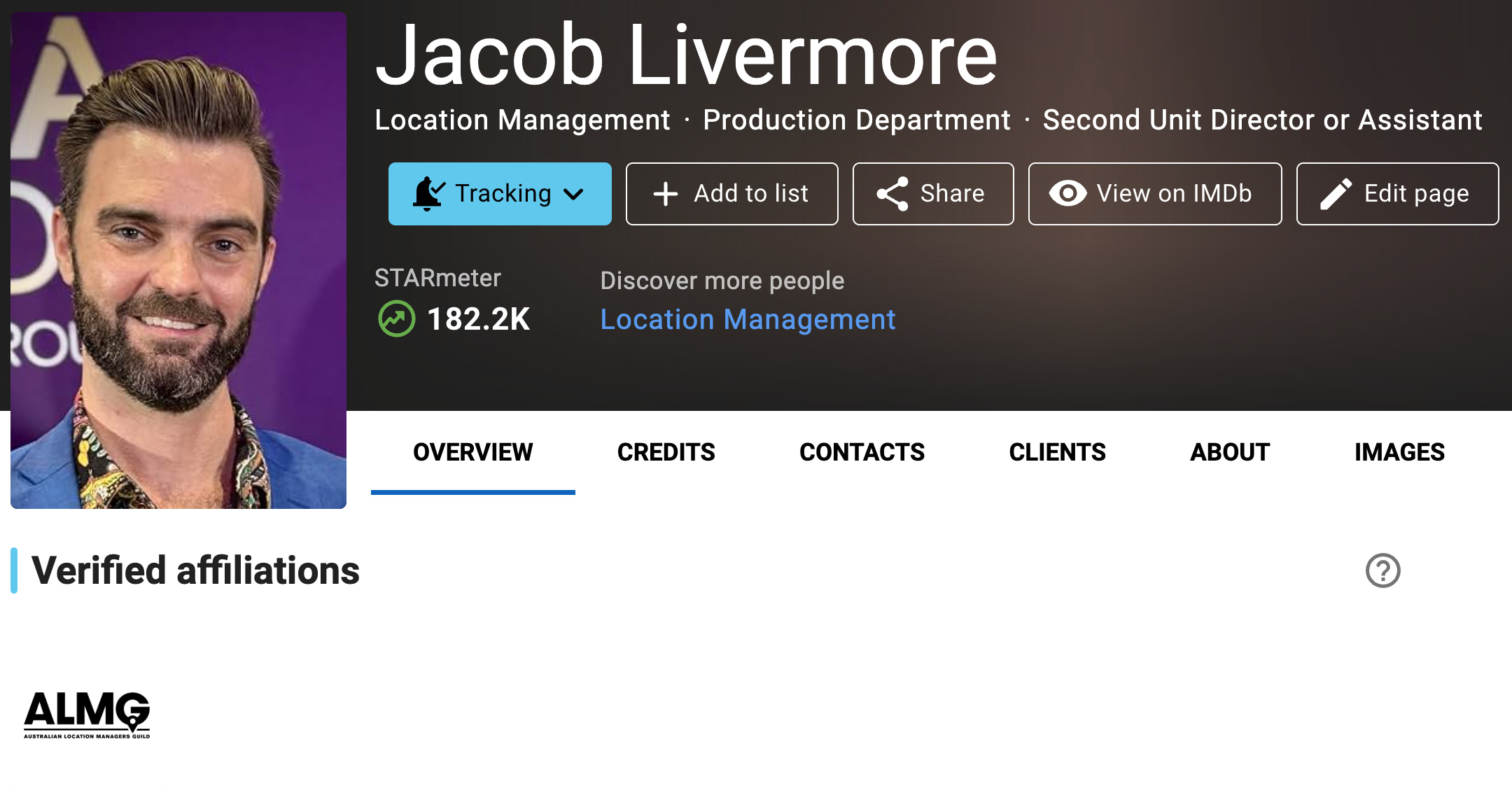
Verified Australian Location Managers Guild (ALMG) member badge
Verified Australian Location Managers Guild (ALMG) member badge
Members are verified directly through Australian Location Managers Guild (ALMG). If you are an active ALMG member and do not see the verified member badge on your page, contact your guild administrator or contact customer service for further assistance.
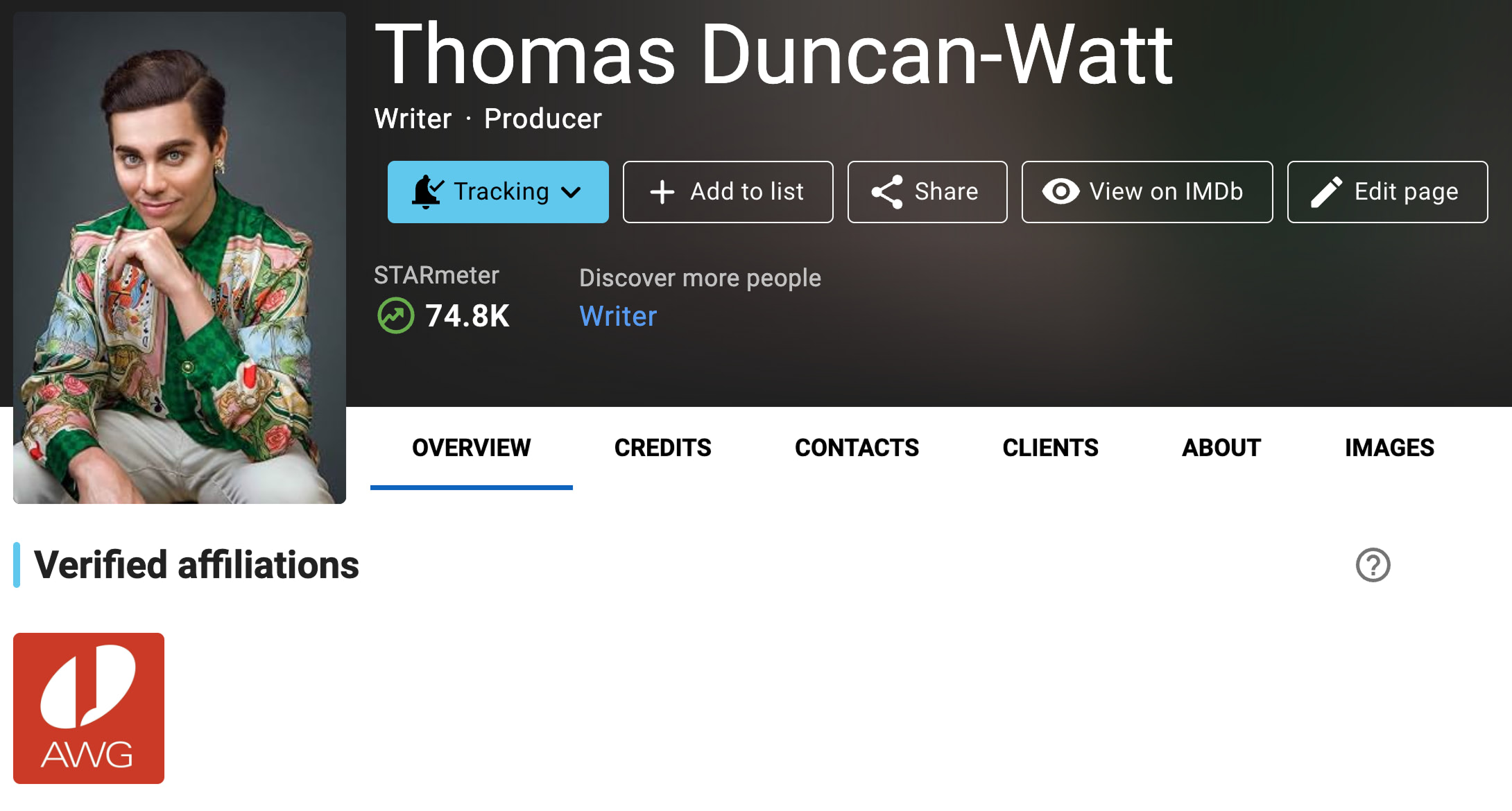
Verified Australian Writers' Guild (AWG) member badge
Verified Australian Writers' Guild (AWG) member badge
Members are verified directly through Australian Writers' Guild (AWG). If you are an active AWG member and do not see the verified member badge on your page, contact your guild administrator or contact customer service for further assistance.
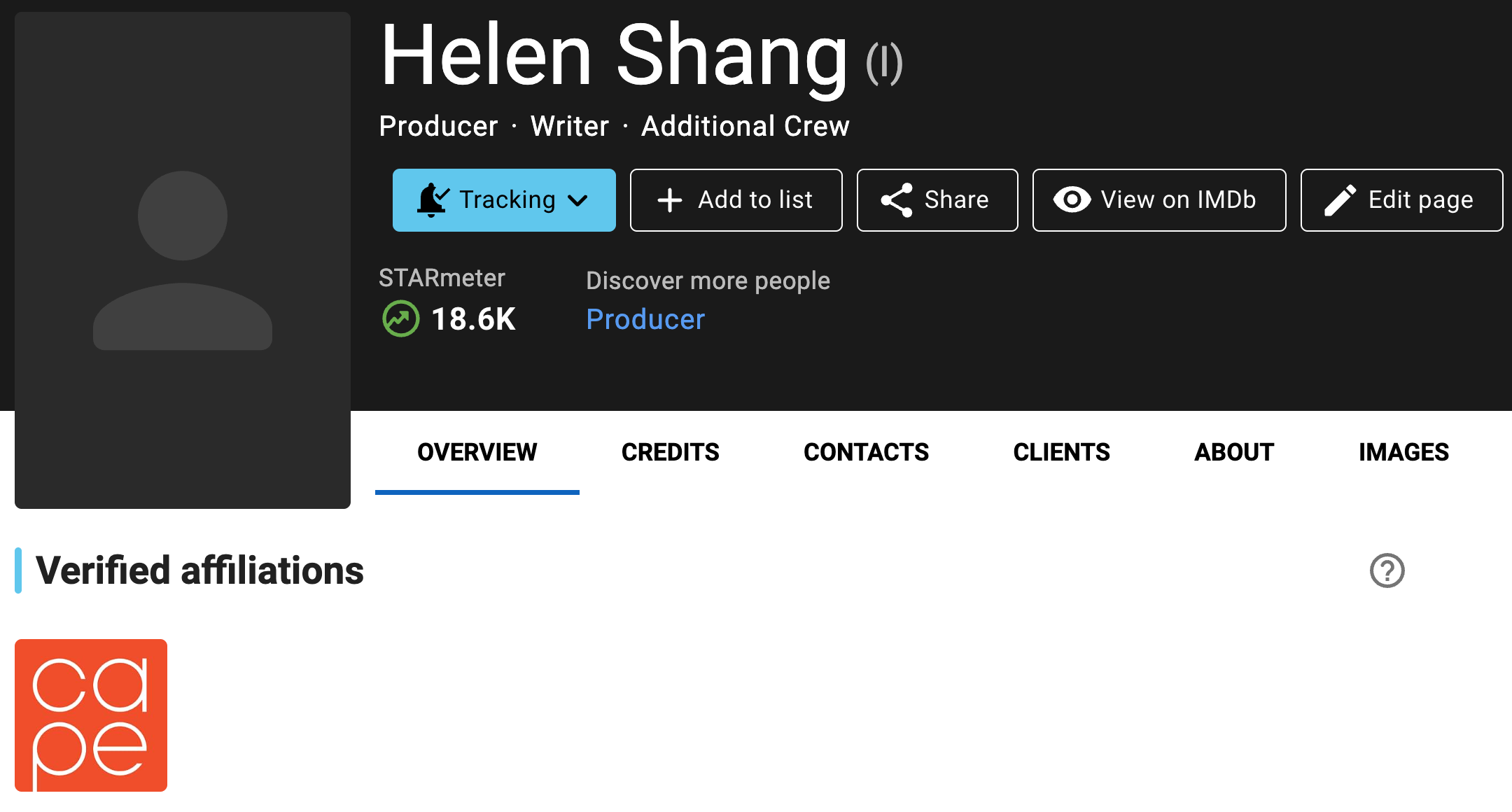
Verified CAPE (Coalition of Asian Pacifics in Entertainment) alumni badge
Verified CAPE (Coalition of Asian Pacifics in Entertainment) alumni badge
Alumni are verified directly through CAPE (Coalition of Asian Pacifics in Entertainment). If you are CAPE alumni and do not see the verified alumni badge on your page, contact CAPE for further assistance.
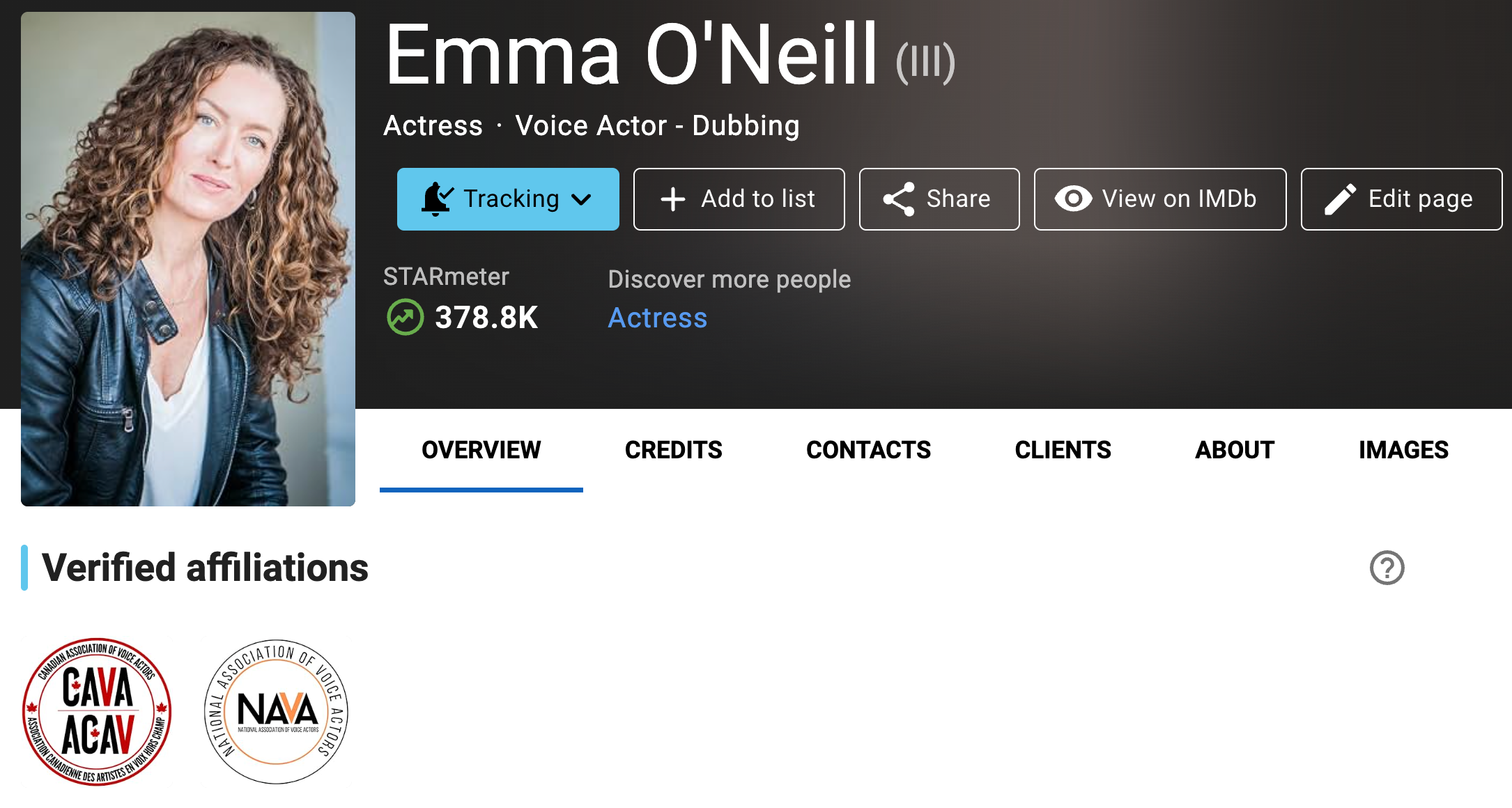
Verified Canadian Association of Voice Actors (CAVA) member badge
Verified Canadian Association of Voice Actors (CAVA) member badge
Members are verified directly through the Canadian Association of Voice Actors (CAVA). If you are an active CAVA member and do not see the verified member badge on your page, contact support@cavavoices.org or your administrator for further assistance.
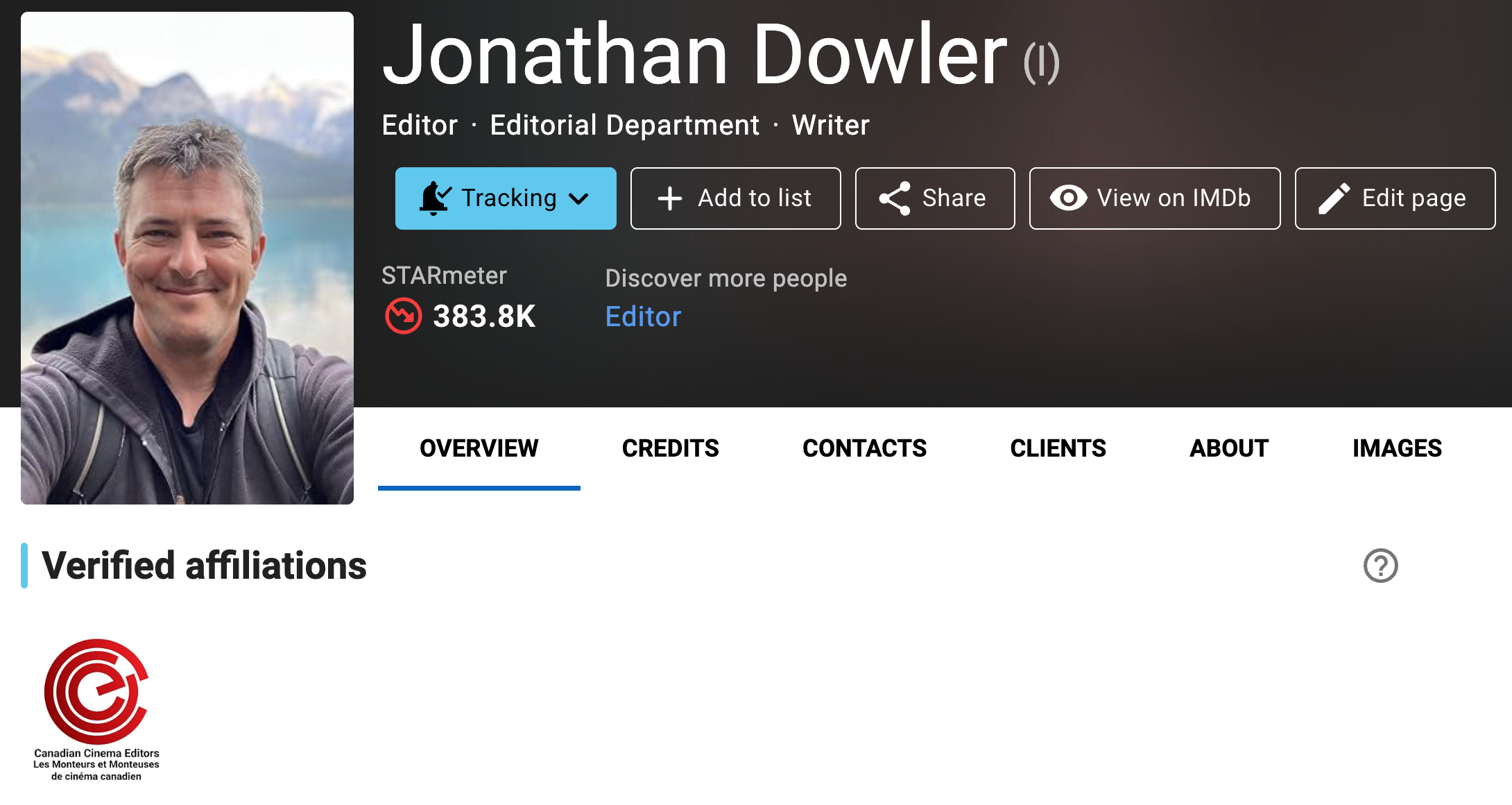
Verified Canadian Cinema Editors (CCE) member badge
Verified Canadian Cinema Editors (CCE) member badge
Members are verified directly through the Canadian Cinema Editors (CCE). If you are an active CCE member and do not see the verified member badge on your page, contact your administrator for further assistance.
Verified Canadian Society of Cinematographers (CSC) member badge
Verified Canadian Society of Cinematographers (CSC) member badge
Members are verified directly through the Canadian Society of Cinematographers (CSC). If you are an active CSC member and do not see the verified member badge on your page, contact your administrator for further assistance.
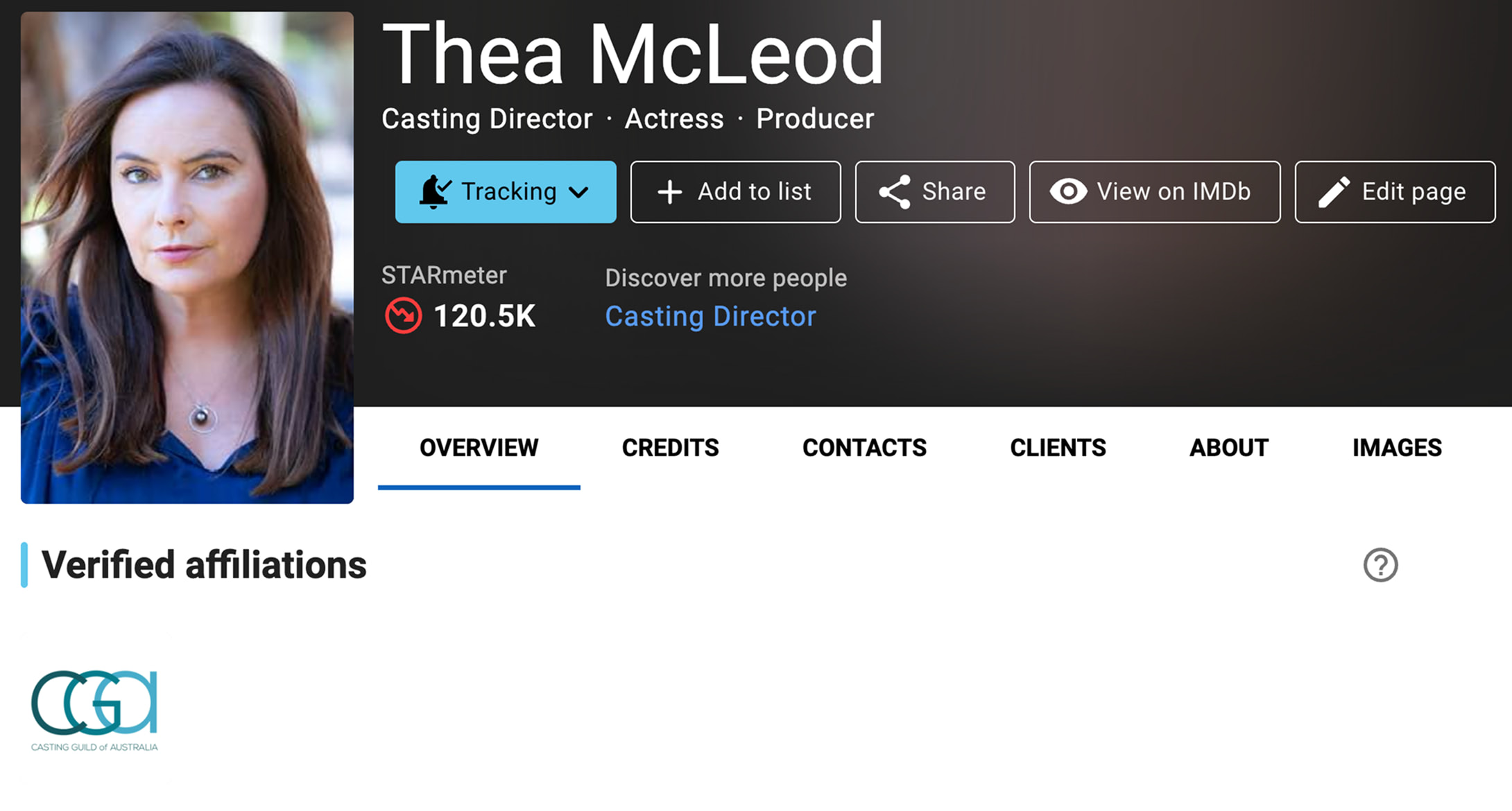
Verified Casting Guild of Australia (CGA) member badge
Verified Casting Guild of Australia (CGA) member badge
Members are verified directly through the Casting Guild of Australia (CGA). If you are an active CGA member and do not see the verified member badge on your page, contact your guild administrator or contact customer service for further assistance.
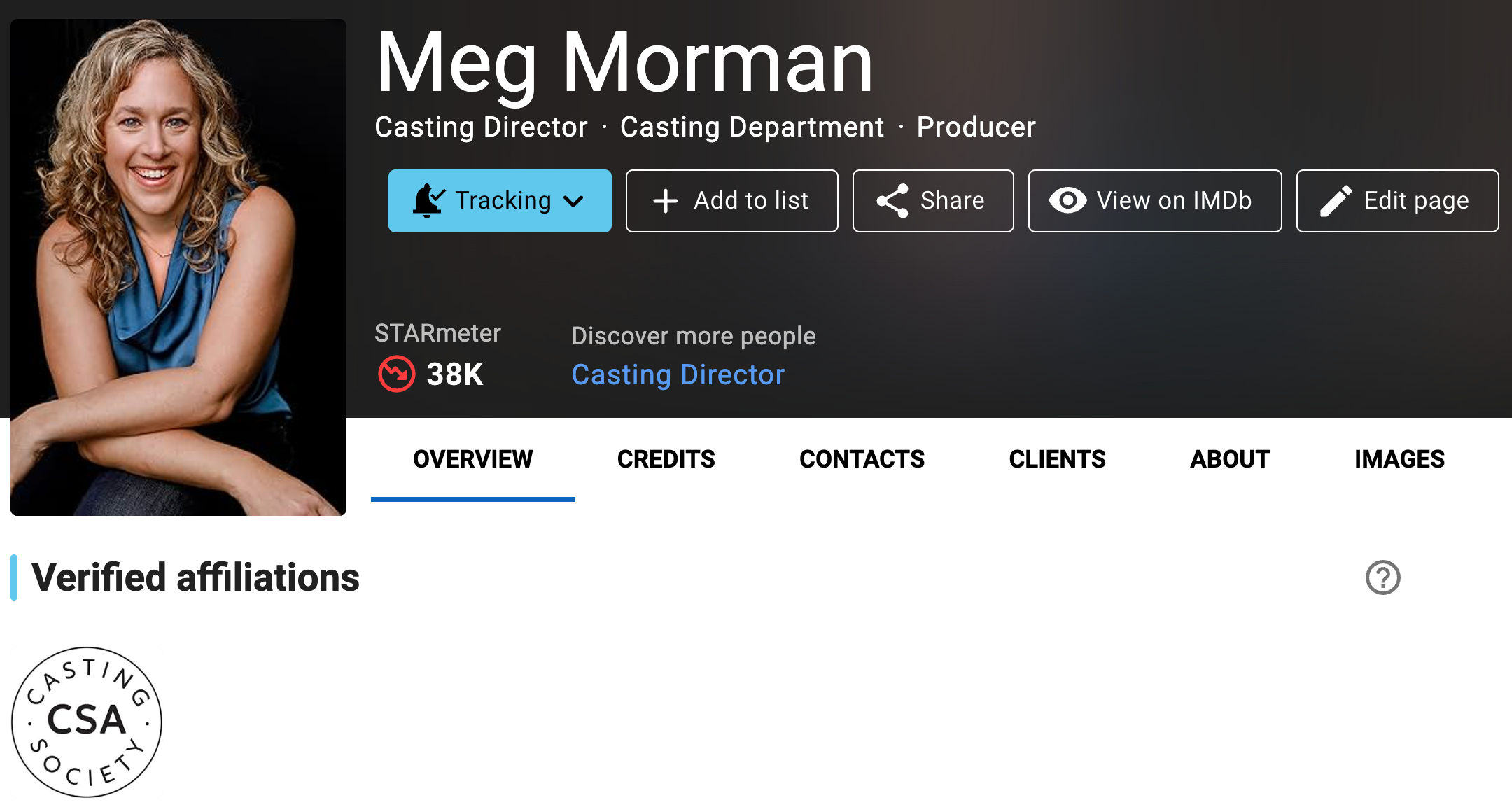
Verified Casting Society (CSA) member badge
Verified Casting Society (CSA) member badge
Members are verified directly through Casting Society (CSA). If you are an active CSA member and do not see the verified member badge on your page, contact your guild administrator or contact customer service for further assistance.
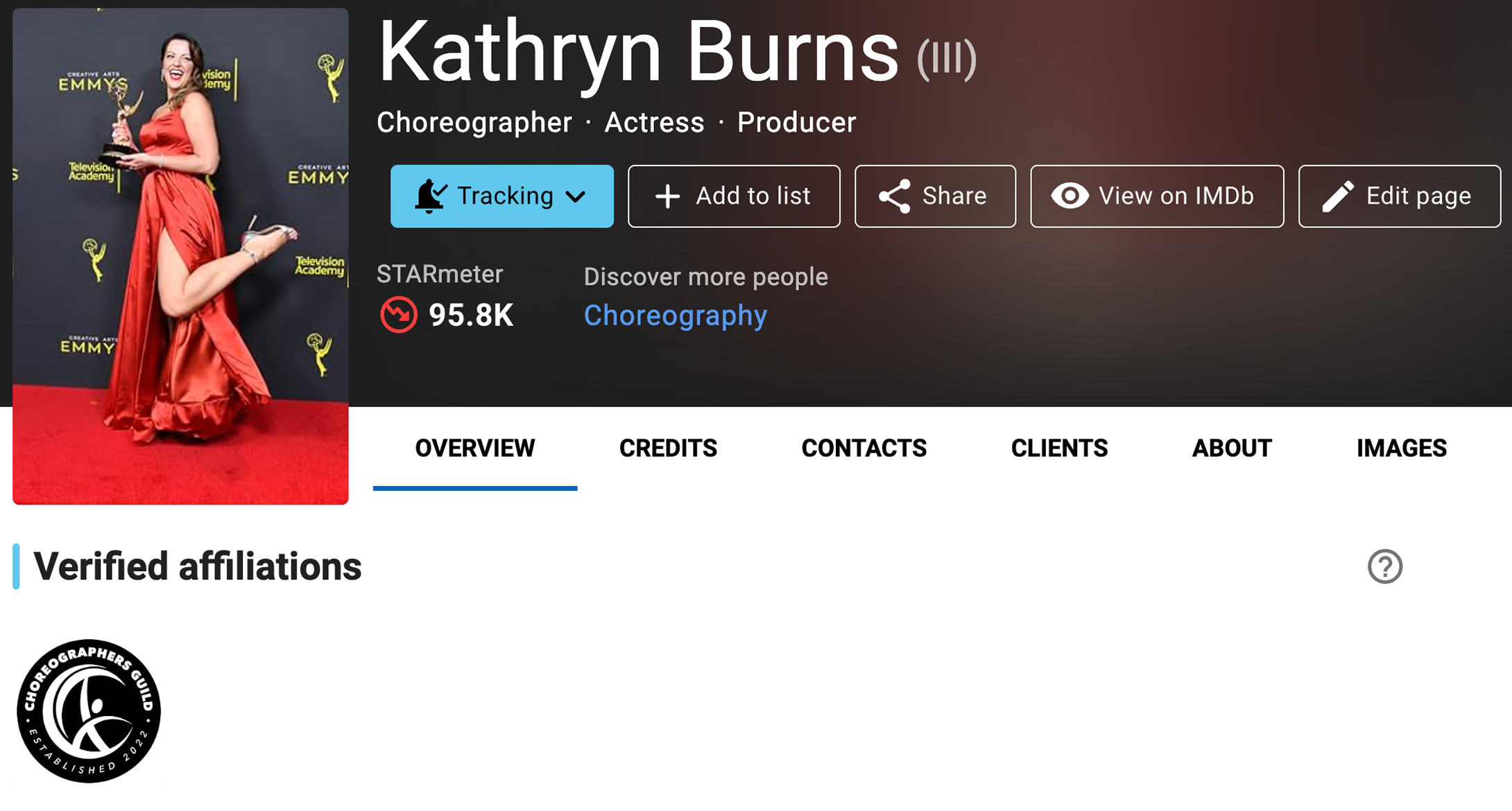
Verified Choreographers Guild (CG) member badge
Verified Choreographers Guild (CG) member badge
Members are verified directly through the Choreographers Guild (CG). If you are an active CG member and do not see the verified member badge on your page, contact your guild administrator or contact customer service for further assistance.
Verified Directors Guild of Canada (DGC) member badge
Verified Directors Guild of Canada (DGC) member badge
Members are verified directly through the Directors Guild of Canada (DGC). If you are an active DGC member and do not see the verified member badge on your page, contact your District Council administrator for further assistance.
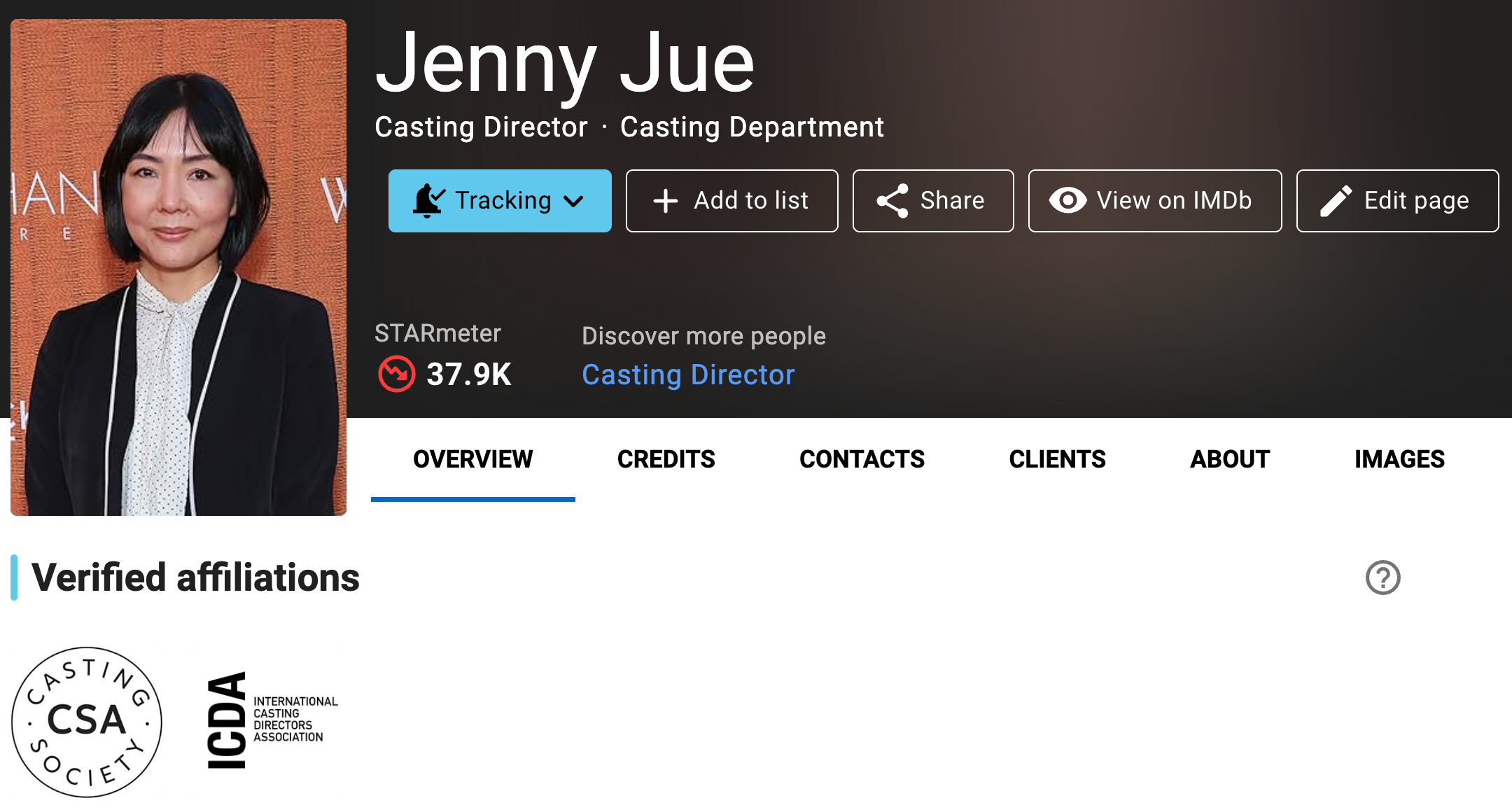
Verified International Casting Directors Association (ICDA) member badge
Verified International Casting Directors Association (ICDA) member badge
Members are verified directly through International Casting Directors Association (ICDA). If you are an active ICDA member and do not see the verified member badge on your page, contact your guild administrator or contact customer service for further assistance.
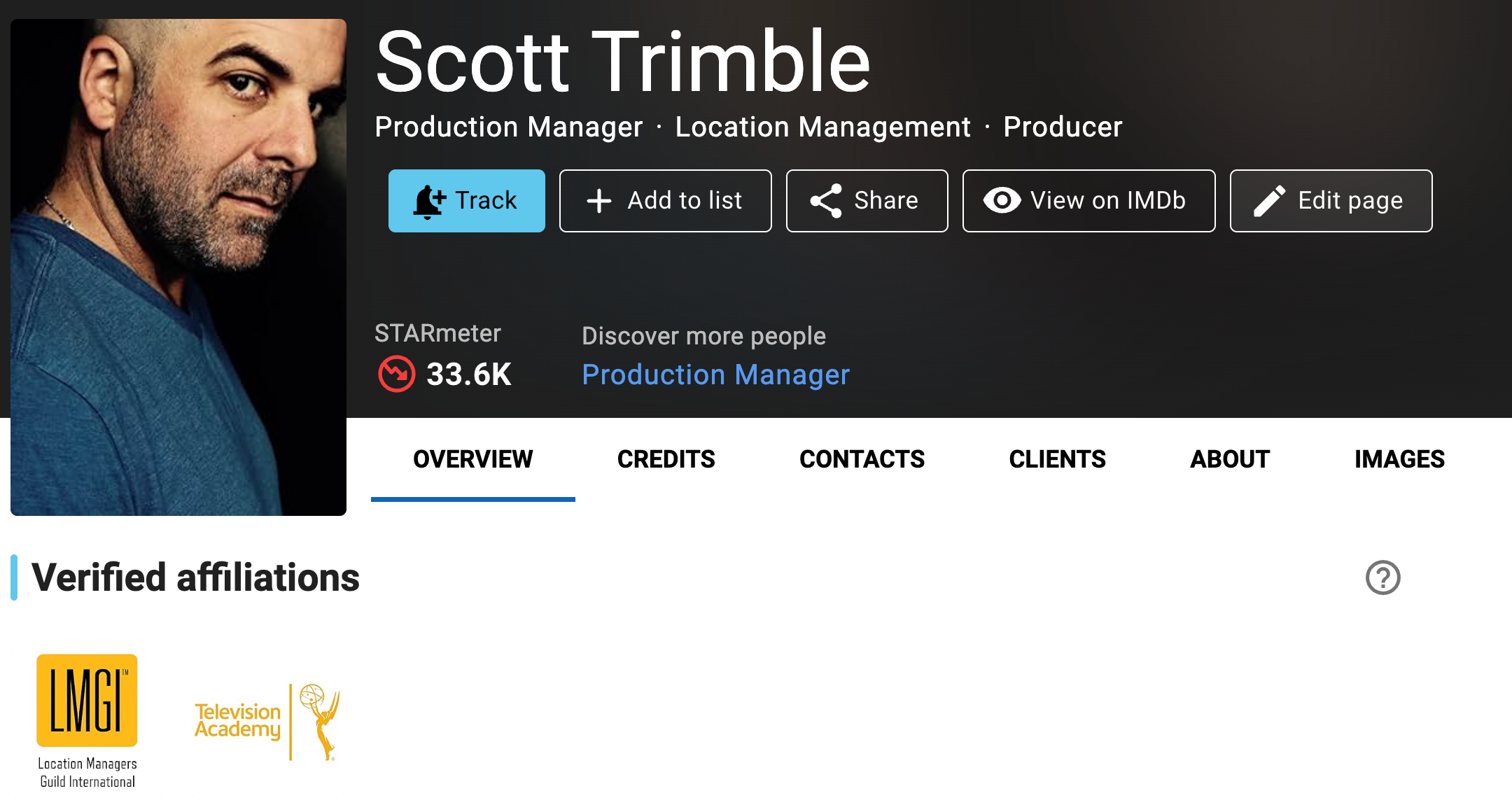
Verified Location Managers Guild International (LMGI) member badge
Verified Location Managers Guild International (LMGI) member badge
Members are verified directly through Location Managers Guild International (LMGI). If you are an active LMGI member and do not see the verified member badge on your page, contact your guild administrator or contact customer service for further assistance.
Verified Motion Picture Editors Guild, IATSE Local 700 member badge
Verified Motion Picture Editors Guild, IATSE Local 700 member badge
Members are verified directly through Motion Picture Editors Guild, IATSE Local 700. If you are an active MPEG member and do not see the verified member badge on your page, contact your guild administrator for further assistance.
Verified National Association of Voice Actors (NAVA) member badge
Verified National Association of Voice Actors (NAVA) member badge
Members are verified directly through National Association of Voice Actors (NAVA). If you are an active NAVA member and do not see the verified member badge on your page, contact membership@navavoices.org or your administrator for further assistance.
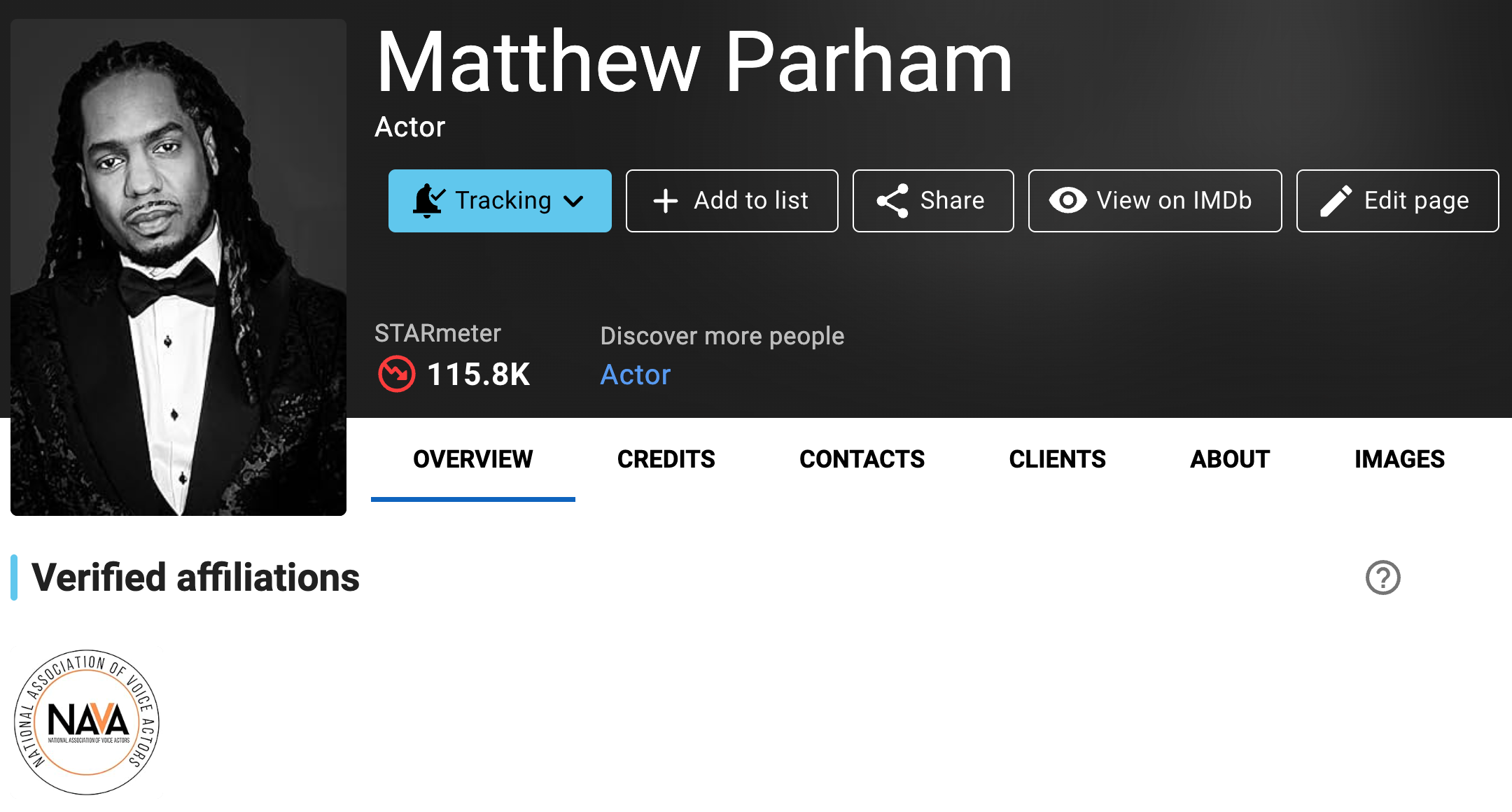
Verified Raindance member badge
Verified Raindance member badge
The Verified Raindance member badge confirms that the person is an active member of Raindance and that their affiliation has been verified by Raindance. It is a quick way to show you are part of the Raindance community. The badge adds a visible, verified affiliation on your IMDb and IMDbPro pages, which can help with credibility when you are reaching out to collaborators, producers, festivals, funders or press. Active Raindance members can request the badge by navigating to the opt-in link available in the Create Members Hub and in Raindance Circle. Members can also email members@raindance.co.uk to request the link.
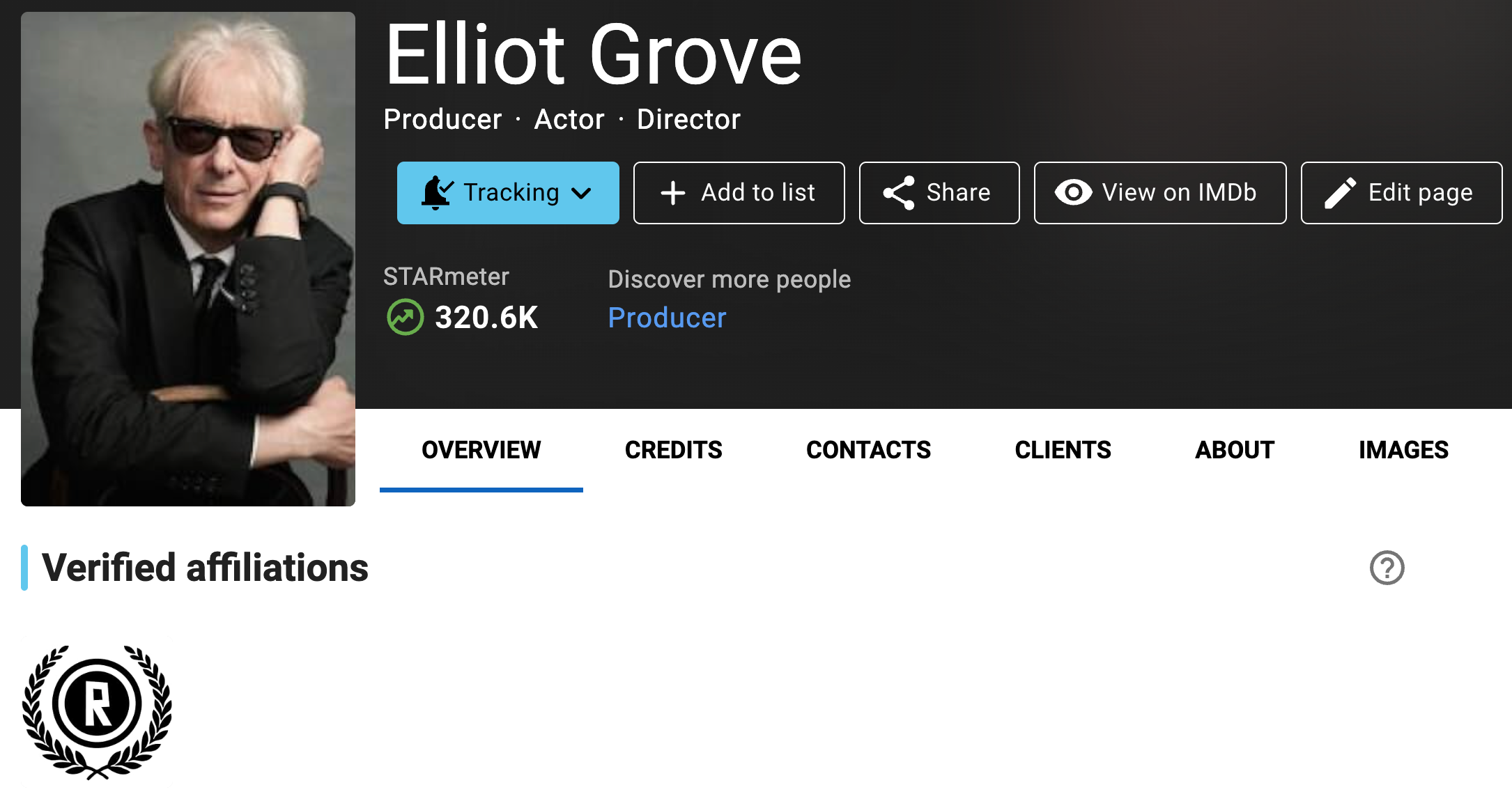
Verified SAG-AFTRA member badge
Verified SAG-AFTRA member badge
SAG-AFTRA members can verify their membership details directly on IMDbPro. SAG-AFTRA members can locate instructions and more information on their member app or by logging into sagaftra.org. Once logged in, navigate to the "Membership & Benefits" menu and find the IMDbPro listing on the landing page under "National".
If you have verified your SAG-AFTRA membership on IMDbPro, and are an active member but do not see the verified member badge on your page, contact customer service for further assistance.
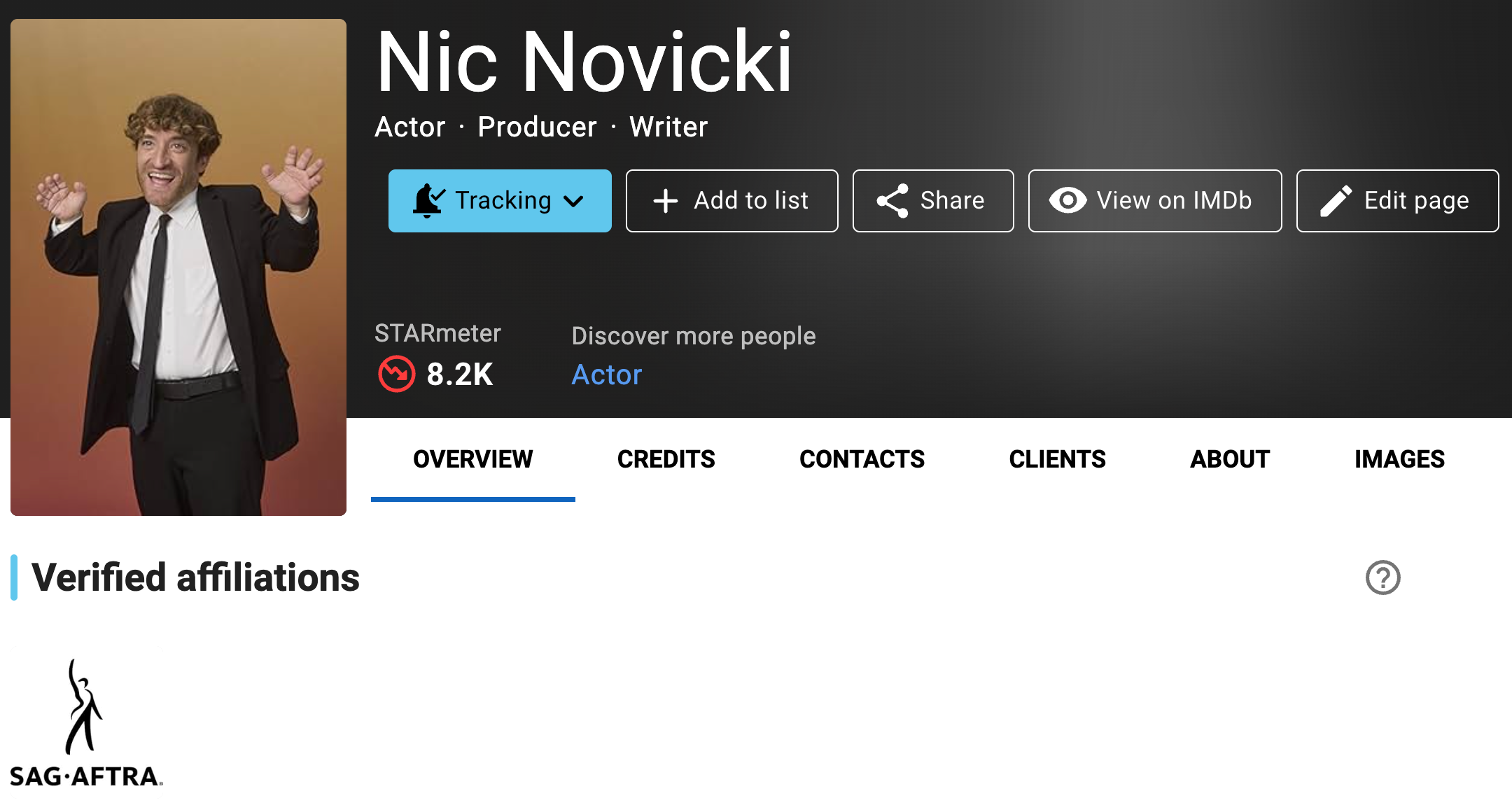
Frequently asked questions |
I am an active SAG-AFTRA member. Why should I verify my status?
IMDbPro Basic and Premium subscription customers can verify their SAG-AFTRA membership on IMDbPro, so anyone searching for you or viewing your IMDbPro or IMDb name page, including fans and casting directors, will see a verified SAG-AFTRA member badge. IMDbPro Premium members can also discover you as a verified SAG-AFTRA member using IMDbPro advanced search.
As a SAG-AFTRA member, you will automatically receive your exclusive discount on IMDbPro Premium membership, without manually entering a discount code.
As an active SAG-AFTRA member, how can I verify my member status and get a badge on my page?
Verification steps:
You can verify your membership via the SAG-AFTRA member verification landing page, or directly from your name page on IMDbPro.
To verify on the SAG-AFTRA member verification page:
- Go to the SAG-AFTRA member verification page and make sure you're logged into IMDbPro
- Input your SAG-AFTRA member ID which can be found on your SAG-AFTRA ID card or on your SAG-AFTRA member portal
- Input the e-mail address that matches your SAG-AFTRA membership which can be found on your SAG-AFTRA member portal
- Click Continue and your verified affiliation and discount will be applied to your account
To verify from your name page:
- Click the “Edit your page” button at the top of your IMDbPro name page
- Select “Performer profile & credentials"
- Select “Professional affiliations"
- Click the "Link your SAG-AFTRA account" link in the "Verified Affiliations" section
- Input the e-mail address that matches your SAG-AFTRA membership which can be found on your SAG-AFTRA member portal
- Click Continue and your verified affiliation and discount will be applied to your account
You can access the Professional Affiliations edit panel directly here as well.
Upon verification, you will automatically receive your SAG-AFTRA verified badge on your claimed IMDb and IMDbPro name pages. The SAG-AFTRA discount will be automatically applied to your next payment cycle. If you have verified your SAG-AFTRA membership and are an active member but do not see the verified member badge on your page, contact customer service for further assistance.
When I enter my SAG-AFTRA membership information I get an error, how can I get help?
If you receive an error message that we are unable to verify the member details provide, please verify the member number and e-mail you entered match your SAG-AFTRA profile and try again. If you have questions about your membership details and status, please contact the SAG-AFTRA Contact Center at (855) 724-2387.
How do I unlink my SAG-AFTRA member ID and e-mail from my IMDbPro account?
You can unlink your accounts directly from your IMDbPro name page.
- Navigate back to your name page on IMDbPro
- Go to the About tab, click "Edit" next to Performer profile, and click on Professional affiliations in the resume edit panel
- Under Verified affiliations, click "Unlink"
- You should see a message confirming that you wish to unlink
- Click "Unlink account" and you should see a confirmation of unlinking
- Go back to the Overview tab on your page, and should not see a Verified affiliations selection with a SAG-AFTRA badge
Verified Screen Composers Guild of Canada (SCGC) member badge
Verified Screen Composers Guild of Canada (SCGC) member badge
Members are verified directly through Screen Composers Guild of Canada (SCGC). If you are an active SCGC member and do not see the verified member badge on your page, contact your administrator for further assistance.
Verified South African Guild of Actors (SAGA) member badge
Verified South African Guild of Actors (SAGA) member badge
Members are verified directly through The South African Guild of Actors (SAGA). If you are an active SAGA member and do not see the verified member badge on your page, contact your guild administrator or contact customer service for further assistance.
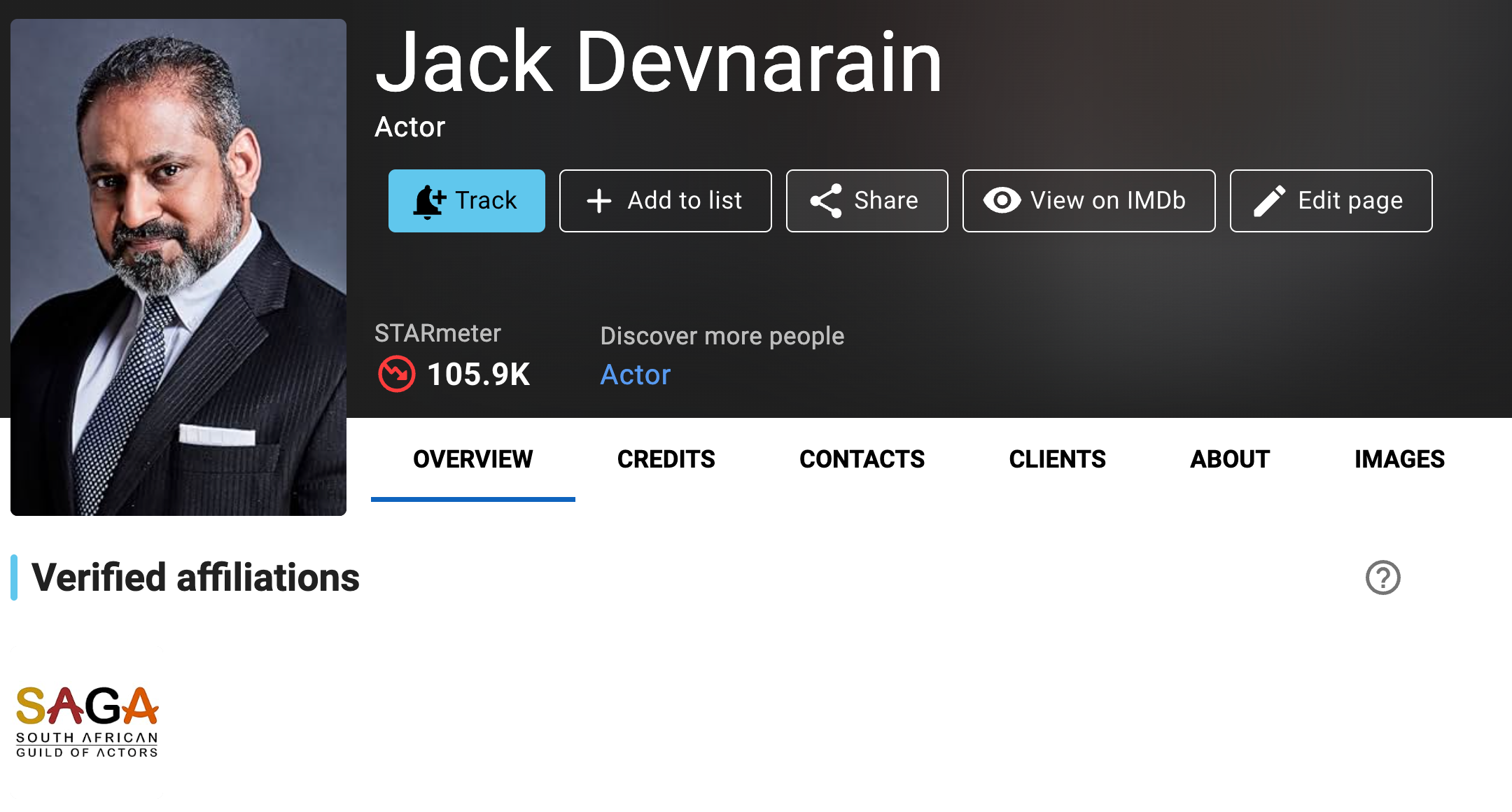
Verified Television Academy (TVA) member badge
Verified Television Academy (TVA) member badge
Members are verified directly through Television Academy (TVA). If you are an active TVA member and do not see the verified member badge on your page, opt in using the Television Academy Verification for IMDbPro, or contact your administrator for further assistance.
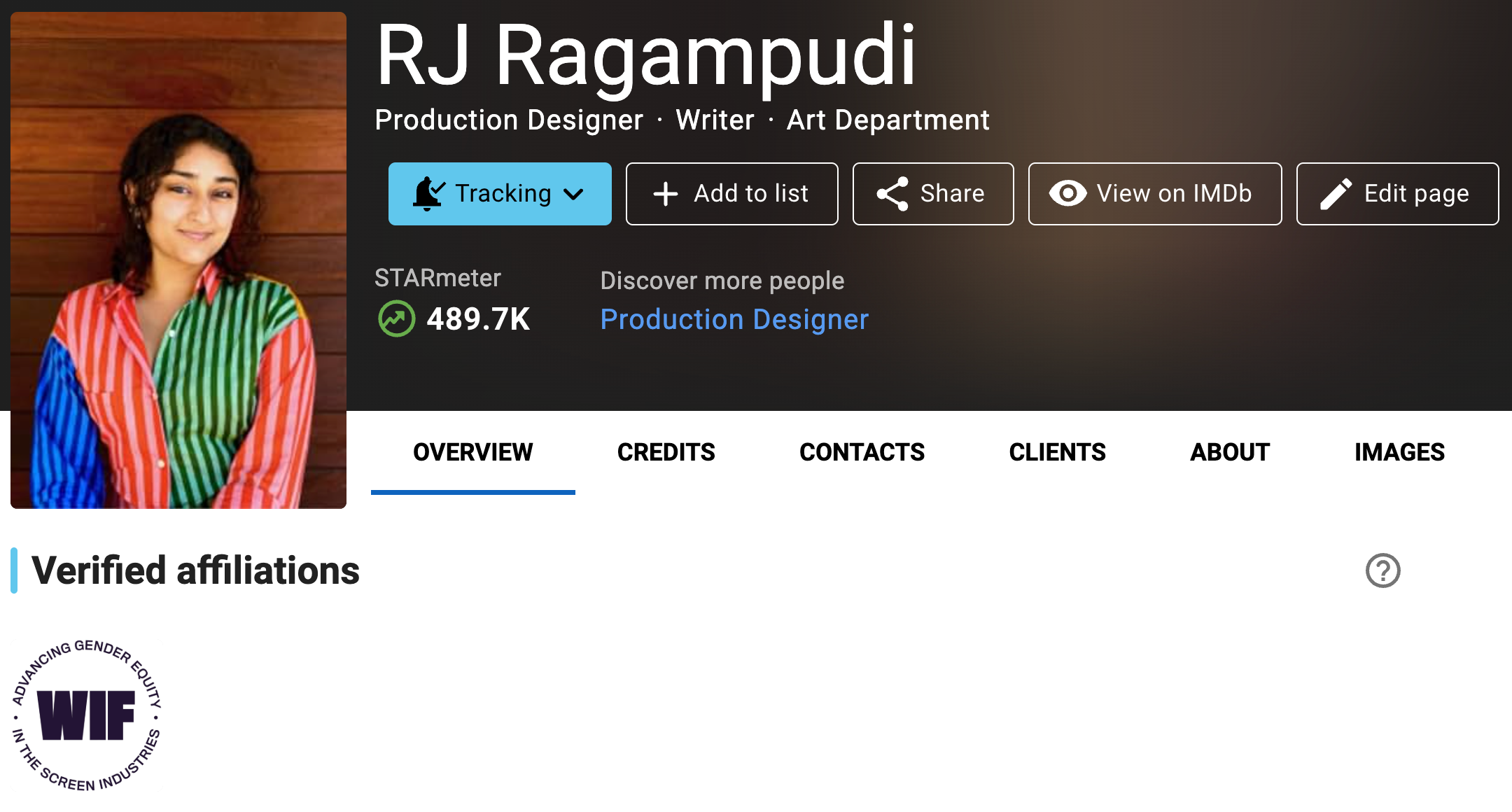
Verified Women in Film (WIF) member badge
Verified Women in Film (WIF) member badge
Members are verified directly through Women in Film (WIF). If you are an active WIF member and do not see the verified member badge on your page, contact your administrator or contact customer service for further assistance.
Verified Writers Guild of Canada (WGC) member badge
Verified Writers Guild of Canada (WGC) member badge
Members are verified directly through Writers Guild of Canada (WGC). If you are an active WGC member and do not see the verified member badge on your page, contact your guild administrator or contact customer service for further assistance.
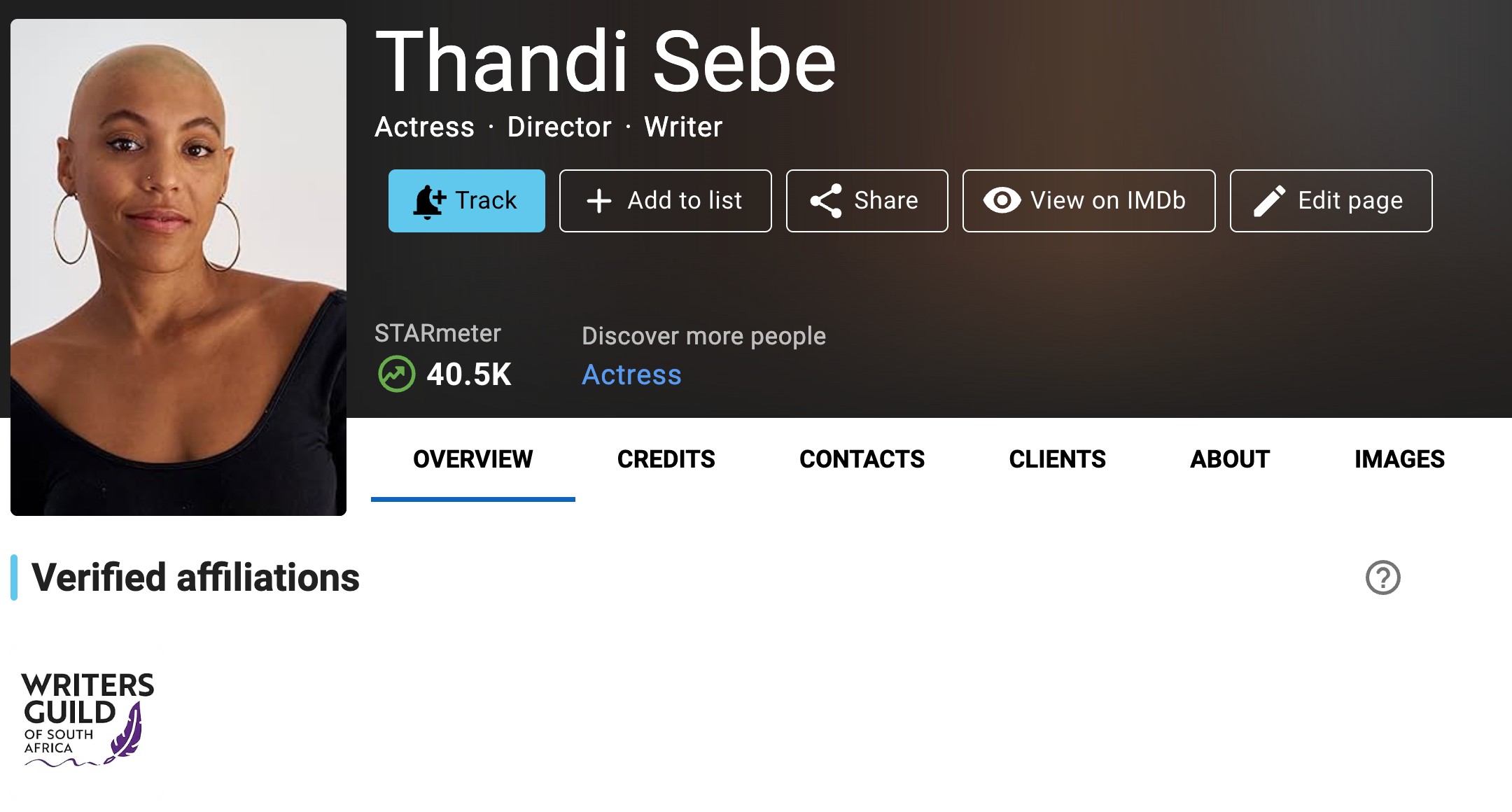
Verified Writers Guild of South Africa (WGSA) member badge
Verified Writers Guild of South Africa (WGSA) member badge
Members are verified directly through Writers Guild of South Africa (WGSA). If you are an active WGSA member and do not see the verified member badge on your page, contact your guild administrator or contact customer service for further assistance.
I am an active member in another guild or union. How can I verify my member status and receive a badge on my page?
If your organization is part of the IMDbPro Affiliate Program, please contact your organization administrator to express interest in accessing this feature as we gradually launch the Verified Affiliations experience.